AceMode AI content
I make AceMode's explainer videos and cover art, built with code instead of a video editor. AceMode shows everyday workers which new AI tools and features can actually speed up their work and change how they do it.
From the AI Lab: the video pipeline ↓ · the cover workflow ↓
AI coding tools
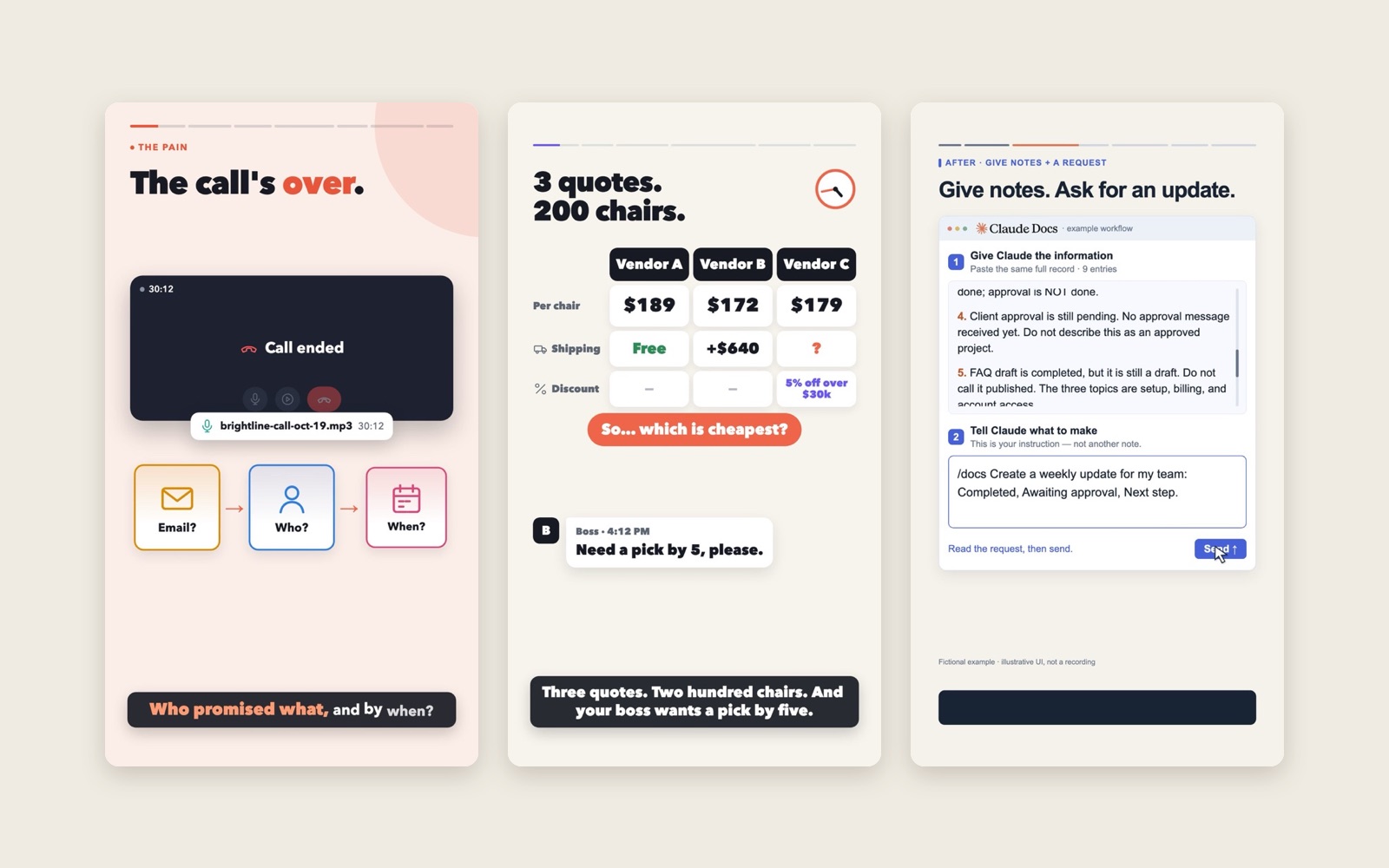
One new AI feature, one minute.
Each video starts from a real work moment and shows what one new AI feature does with it. I write and storyboard; AI coding tools (Codex, Claude Code) build every scene in code.
Published on LinkedIn, YouTube, Instagram and TikTok, plus Xiaohongshu and Douyin for Chinese-speaking viewers.
A story shape I kept refining.
Start with the mess
"The call's over." A moment viewers know.
Show it, don't list it
Real input in, clear result out.
AI organizes, you own the facts
Every video shows what a person must still verify.
A safe first step
One small, low-risk way to try it.
4 videos in 3 weeks — getting closer to hand-made.
Each round: smoother motion, a clearer story, better sound.
Notion AI meeting notes
First try. The idea works; pacing is slow.
Claude Docs weekly update
Clearer before → after; adds "your check".
Comparing vendor quotes
Opens on a concrete problem.
Audio uploads to tasks
Fastest hook, full voice and sound mix.
Not just videos — a pipeline.
Every motion has a sound
- Call endshang-up tone
- Card pops insoft pop
- Text types outkeyboard
- "NOT SENT"stamp
AI narration that sounds human
- Whole scenes in one take
- No forced excitement
- Pauses only where things move
Final take: 7 seconds shorter than the last
A reusable AI workflow
Packaged as a "skill": instructions and scripts that Codex and Claude Code follow, so every video is made the same way.
- 7 guides
- 12 scripts
- 1 video template
- Auto quality check
One look, every post.
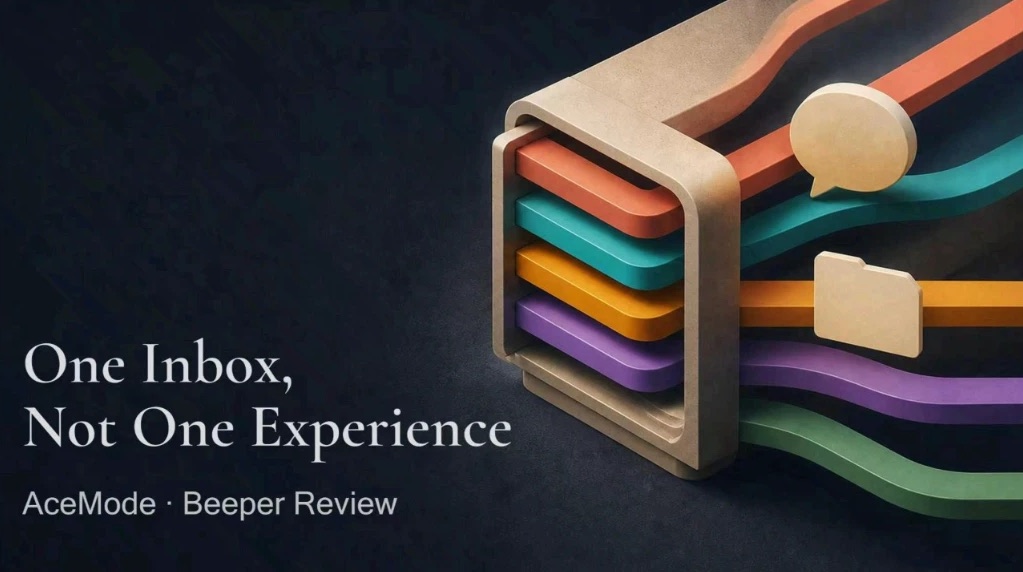
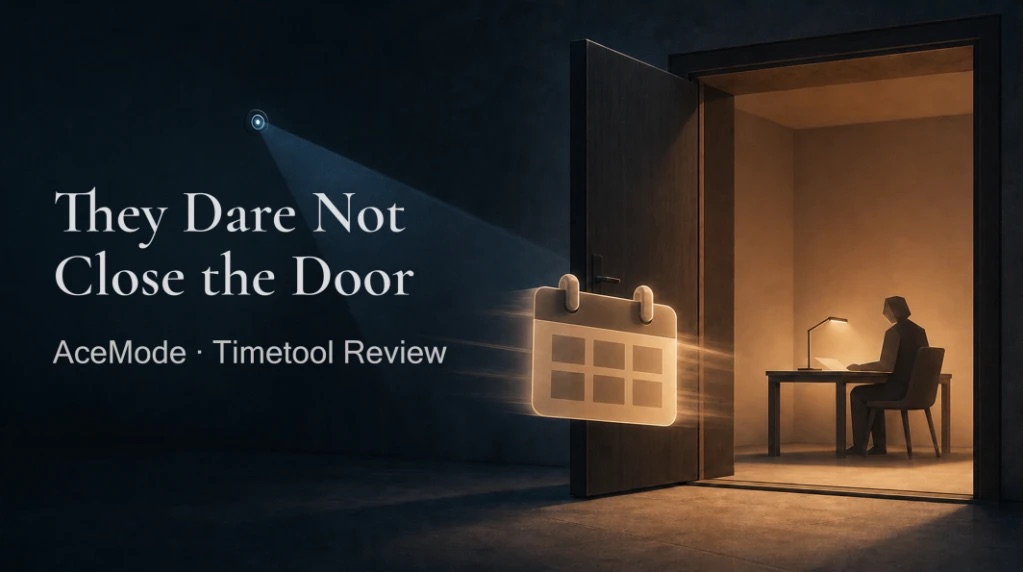
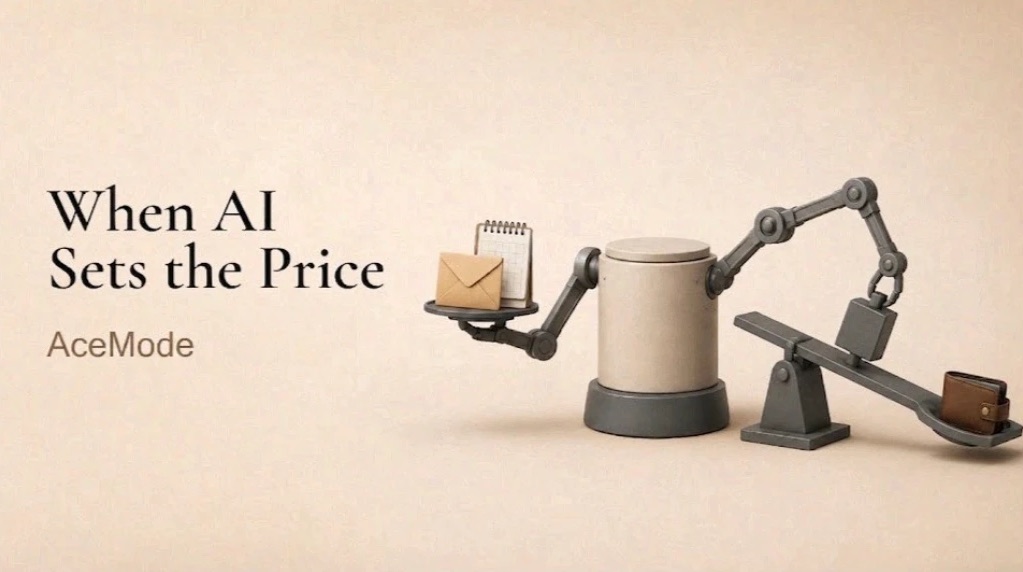
AceMode sends me a LinkedIn article that's ready to publish; I make its cover.
One style for every post: a short serif headline and one calm, physical metaphor.
before: every step by hand · see the workflow on GitHub ↗
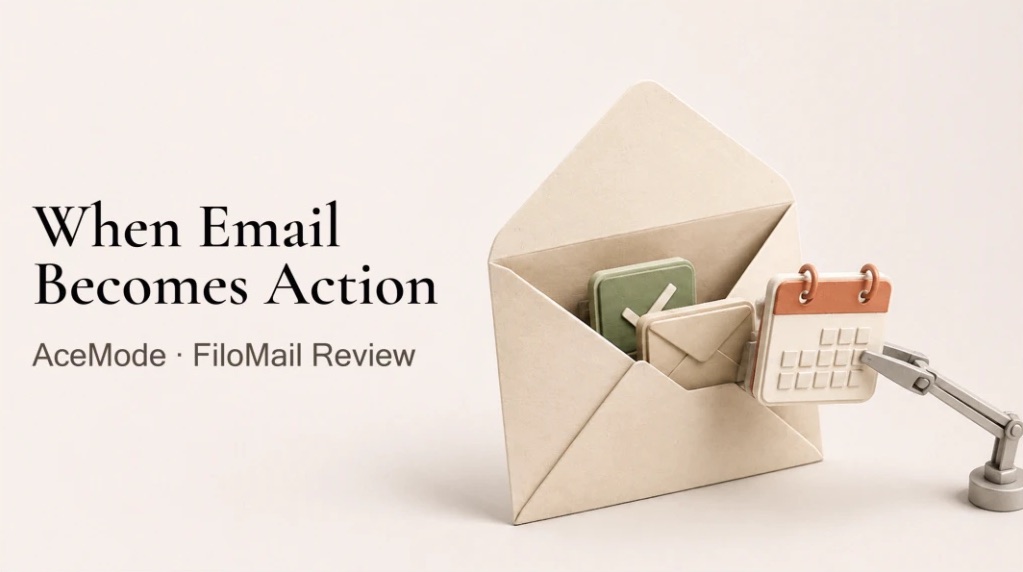
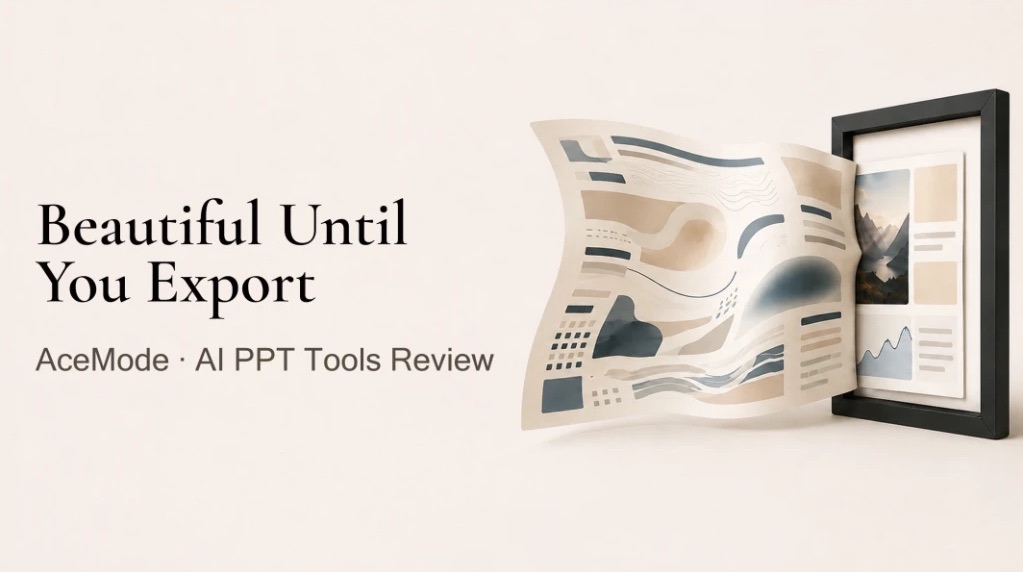
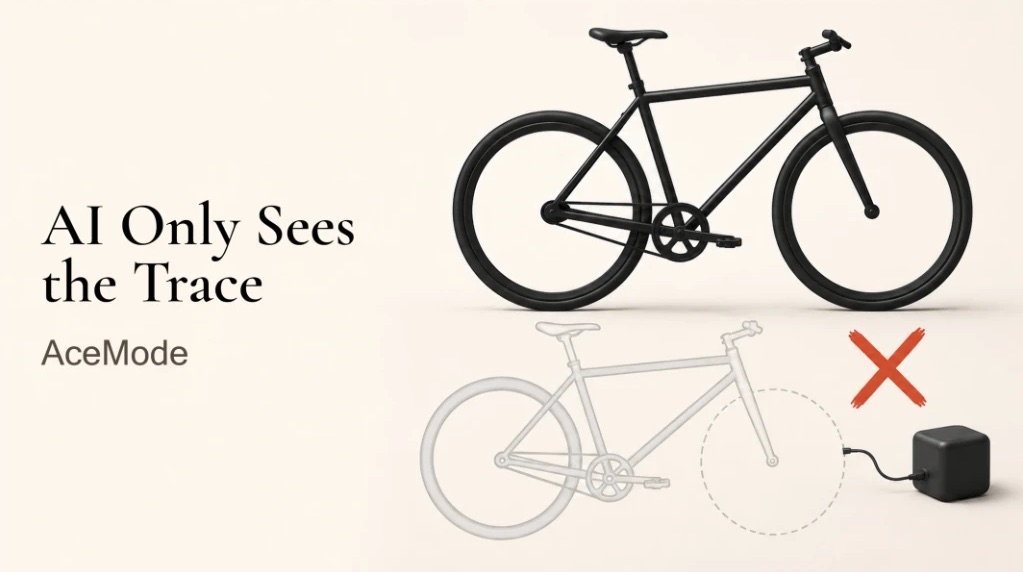
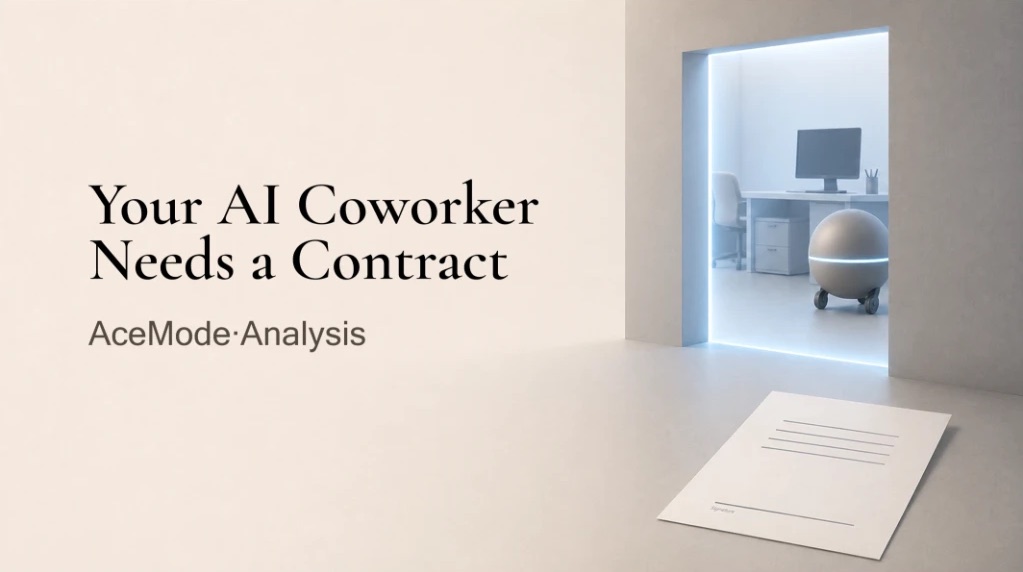

Explaining an AI tool in sixty seconds is the same problem as designing one: show people what it does, what it can't, and what they still control.